
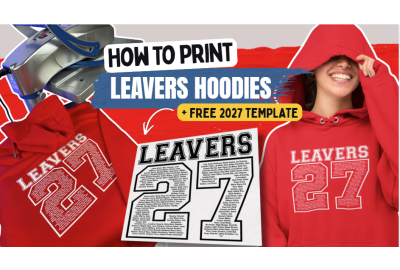
How to Print Leavers Hoodies 2027 with a Free Design Template
How to Print Leavers Hoodies 2027 with a Free Design Template
A whole year group, a long list of names and 150 hoodies waiting to be printed. There’s a lot to organise before the first garment even reaches your heat press.
From getting every name right to keeping print placement consistent, Leavers hoodie orders need a little planning. But with the right artwork and transfers, printing for an entire year group doesn't have to be complicated.
Our free Leavers 2027 template and InkTra screen printed transfers can help make the process easier. Here's how to get started
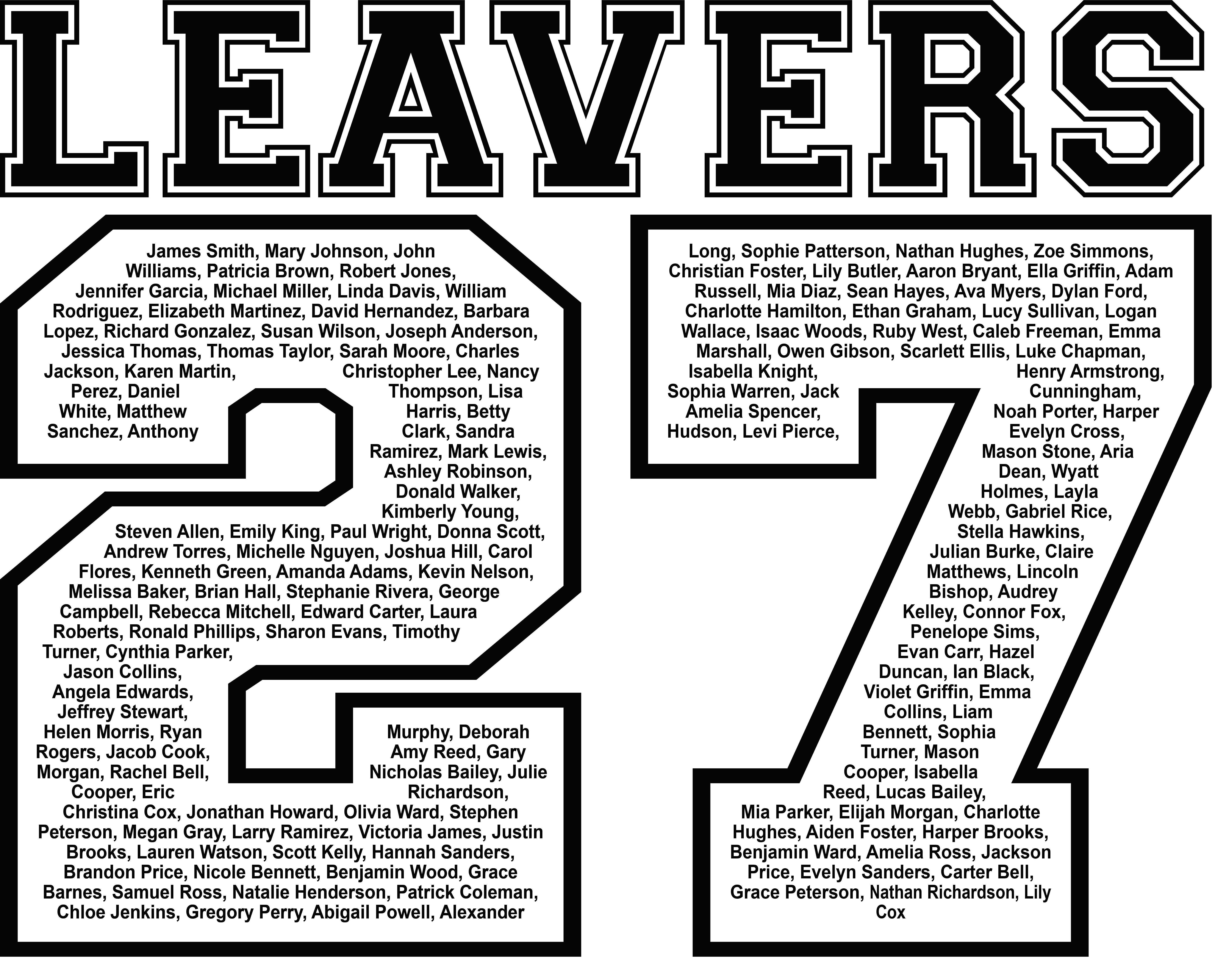
How to Add Names to Your Leavers Hoodie Template
Start by downloading our free Leavers 2027 template.
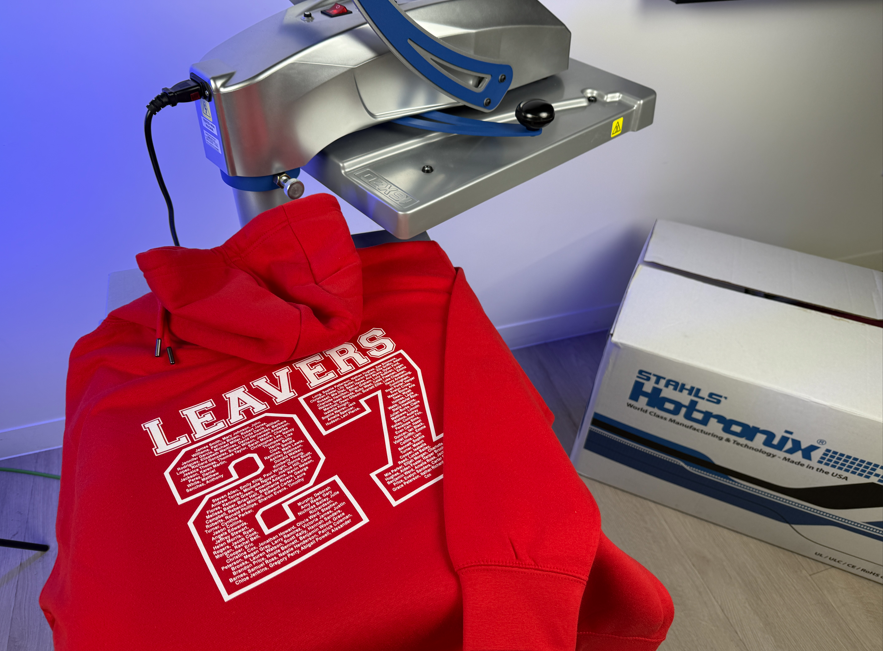
The EPS file features a 2027 number design with space to personalise it using pupil names, saving you from having to create the artwork from scratch.
Open the file in compatible design software and add your school's name list. If you need a little guidance, you'll find an artwork tutorial on the download page that walks you through the process.
Once your names are in place, check the artwork at its intended print size. Longer names may need adjusting, and it's important that every name remains clear and readable within the numbers.
Before ordering your transfers, send the school a final artwork proof for approval. Double checking the full name list now can save you a lot of trouble later.
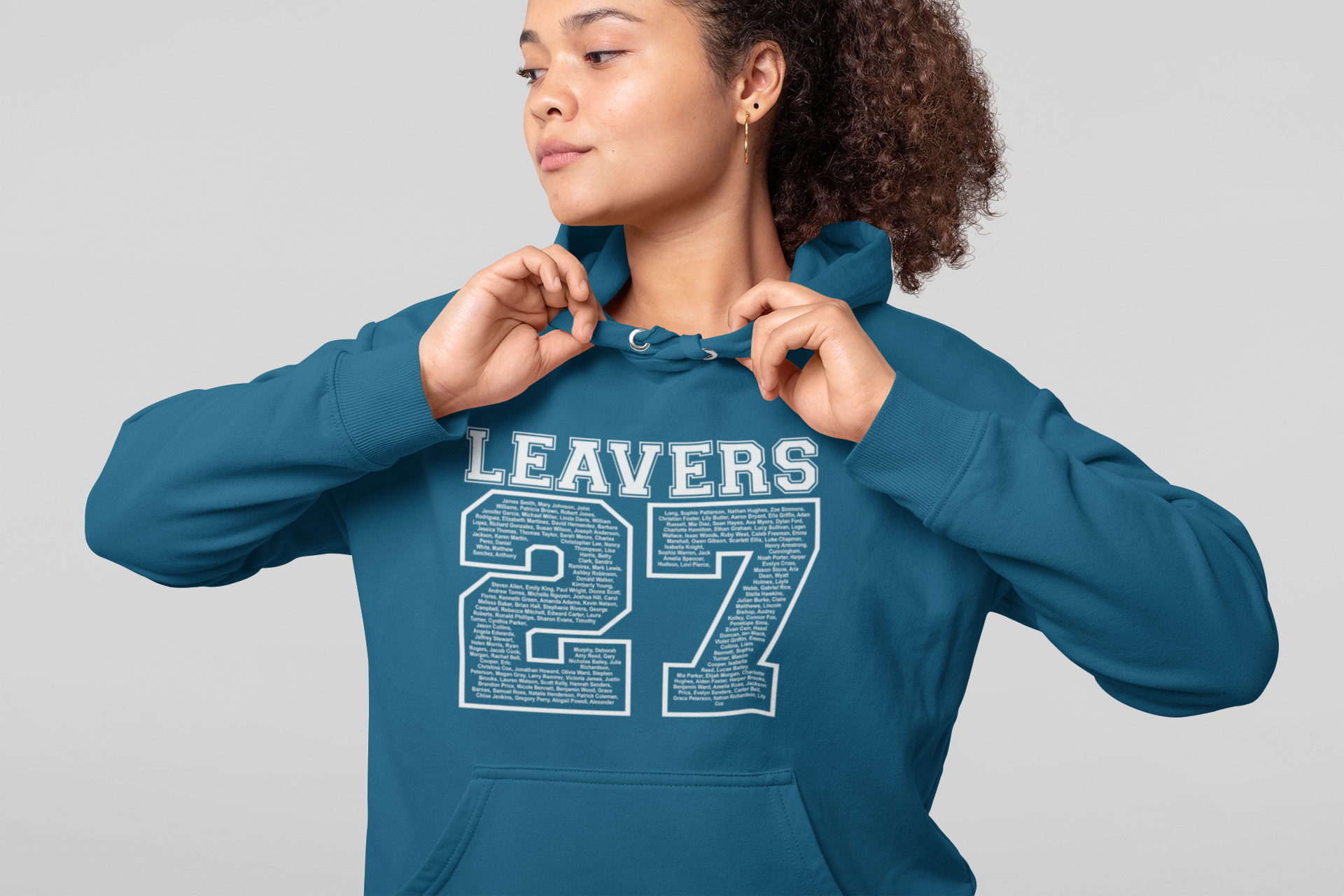
Why Use InkTra Transfers for Leavers Hoodies?
If you've ever weeded a design filled with tiny names, you'll know how time consuming it can be. Now imagine doing that for 150 hoodies. That's where InkTra Transfers come in.
The transfers arrive ready to apply, with no cutting or weeding required. They're particularly well suited to single colour designs repeated across larger quantities, making them a practical choice for Leavers hoodie orders.
You also get the soft, traditional screen printed feel, with stretch and rebound that allow the print to move with the garment. And with durability of 75+ washes, pupils can enjoy wearing their Leavers hoodies long after their final day at school.
Plus, with a clear carrier, positioning your design is simple, helping you achieve accurate and consistent placement across every hoodie. Combined with Pantone colour matching to reproduce school colours accurately, InkTra makes it easier to deliver professional, consistent results from the first hoodie to the last.
Prepare Your Hoodie Before Printing
Before you start pressing, take a moment to check your garment and set up your workspace. If you're working with heavily dyed polyester or fabrics prone to dye migration, consider a Subli Blocker transfer.
Next, check the application instructions for your chosen transfer, including the recommended temperature, time and pressure.
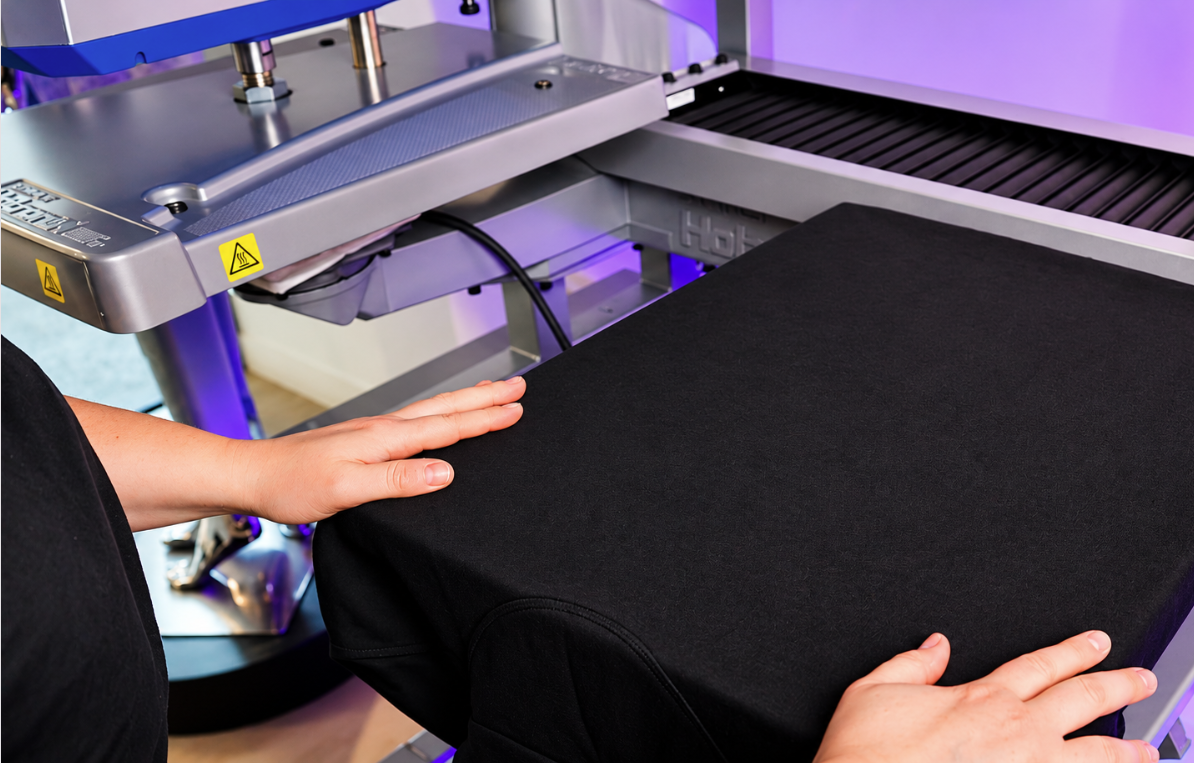
When loading your hoodie onto the heat press, make sure the print area sits flat. Keep the hood, pockets and raised seams away from the pressing surface wherever possible, using either Interchangeable Lower Platens or Non-Stick Pillows, as these can interfere with even pressure.
Give the hoodie a quick prepress to remove any moisture and creases before positioning your transfer. It might seem like a small step, but good preparation makes a big difference when you're printing in bulk.
What Temperature Do InkTra Transfers Need?
With your hoodie prepared, you're ready to apply your InkTra Transfer. Use the clear carrier to position the design, checking that it's straight and centred before pressing.
For InkTra, follow these application settings.
Temperature: 160°C
Time: 10 seconds
Pressure: Medium
Peel: Hot
Before moving on to the full order, test your setup and check the placement on both the smallest and largest hoodie sizes. Remember to check where the hood falls, too. You don't want it covering the top of your finished design.
Once you're happy with the result, organise your garments by size and use a consistent placement reference throughout the batch.
Ready to Print Your Leavers 2027 Hoodies?
With your artwork approved, transfers ready and heat press set up, you're all set to turn that long list of names into something pupils will be wearing long after their final assembly. And the best part? You don't have to start your design from scratch. Download your free Leavers 2027 template and get started on your next order.
Need help choosing the right transfer or printing your chosen hoodie? Explore our InkTra Screen Printed Transfers or speak to the Stahls' team for advice.
We're here to help you get the job right, from the first press to the final hoodie.